|
TRIMMING IMAGES. The GTFViewer allows you to trim off parts of the
image to get rid of borders and to zero in on specific parts of a map or
aerial photograph. This also reduces the size of the file, which can make
it more useful for publication or display on the web.
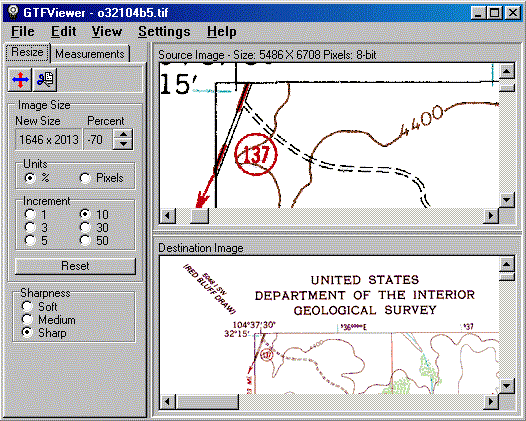
RESIZING. GeoTiff files are often very large, which makes them difficult
to handle or view on normal computer screen. The GTFViewer can rescale an
image to any size. The program uses special resizing algorithms, which minimize
artifacts and loss of resolution. |
|
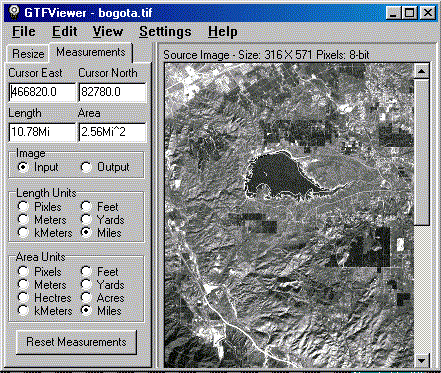
| MEASURING. Many GeoTiff files contain scale and location
information. As a result, the GTFViewer can measure distances and surface
area on maps and aerial photographs. Distances can be measured along curving
features such as roads, streams, etc. Area can be measured for irregular
shapes such as lakes, cities, etc.
|
Example. In the example to the above, we are measuring the perimeter
and area of reservoir near Bogota, Columbia. As you can see, the perimeter
is 10.7 miles and the area is 2.5 square miles.
PRINTING. The GTFViewer has special features help you deal with printing
large images. The images can be shrunk to fit the size of the paper. It also
capable of printing full resolution images tiled across multiple sheets of
paper. |